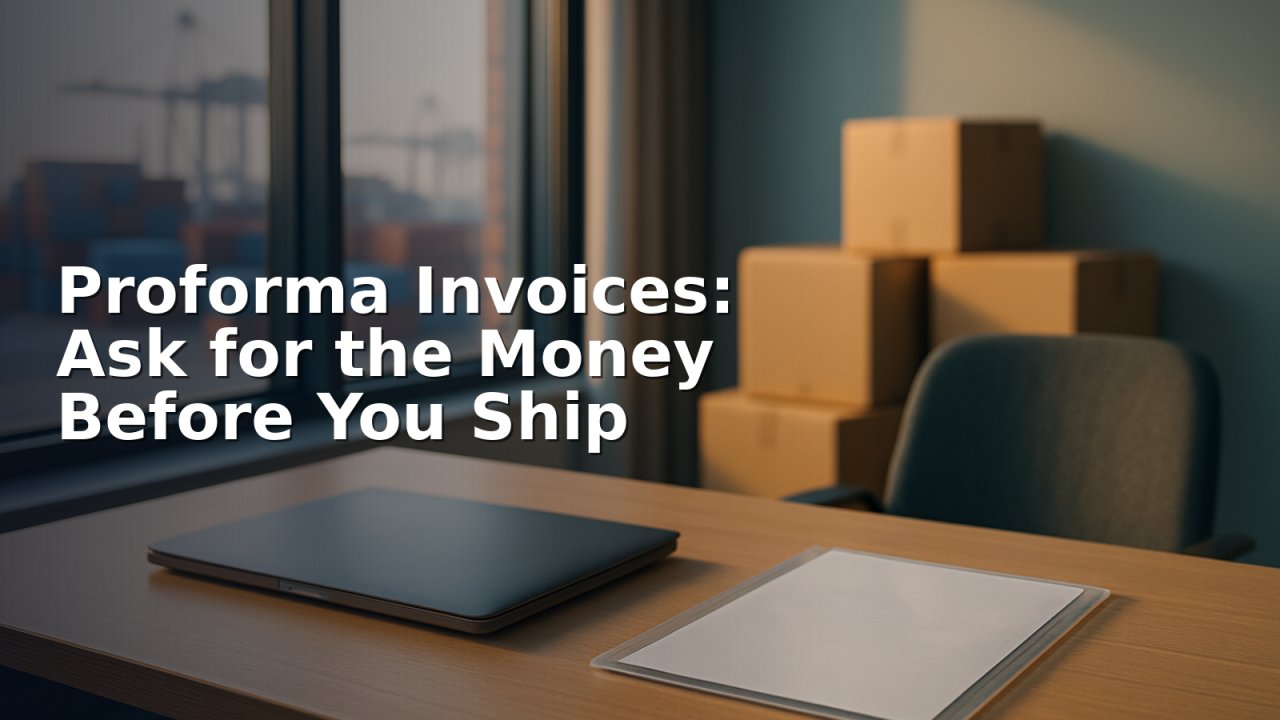
There is a moment in a lot of sales that accounting software handles badly: the order is agreed, but you are not shipping anything until some money arrives. You need a document the customer can take to their finance department and pay against — and you need it to leave your books alone until it is a real sale.
That document is a proforma invoice, and in TamilAccounting it is an optional module you switch on in Setup → Company Setup → Optional Modules. Businesses that never ask for money up front never see it.
It is raised from the order, not typed again
A proforma always comes from a sales order you have already agreed. Open the order, raise the proforma, and the customer, the items, the quantities, the prices and the totals are already on it. You decide one thing: whether you are asking for the whole amount, or for a percentage of it.
That percentage is the useful part. “Forty per cent with the order, the balance before despatch” stops being a line in an email and becomes a figure the system is holding you to.
It posts nothing at all
A proforma makes no ledger entries and moves no stock. This matters more than it sounds. It means you can raise one for every enquiry that needs a formal price, without inflating your sales, your tax position or your stock valuation. Nothing in your accounts changes until there is an invoice.
A worked example
A customer orders goods for 2,50,000. You ask for 40% before production starts.
| Step | Amount | What your books show |
|---|---|---|
| Sales order agreed | 2,50,000 | Nothing posted — an order is a commitment, not a sale |
| Proforma raised at 40% | 1,00,000 | Still nothing posted — it is a request for money |
| Customer pays the proforma | 1,00,000 | Bank up 1,00,000; the customer now holds an advance of 1,00,000 |
| Goods despatched and invoiced | 2,50,000 | Sales 2,50,000; the 1,00,000 advance is carried onto the invoice |
| Balance left to collect | 1,50,000 | Shown against the invoice, not against a forgotten order |
At no point did anyone re-key a figure, and at no point did an unpaid proforma pretend to be revenue.
The money lands on the order
When the customer pays, the receipt screen opens with the balance still due on that proforma already filled in. The payment is recorded against the proforma and allocated to its sales order, so the advance sits on the order where the rest of the paperwork lives. The customer's account reflects it the same day.
Then, when you invoice the order, that advance moves onto the invoice automatically. This is the step most businesses get wrong by hand: advances that were taken months earlier sit on orders nobody reopens, and the invoice goes out looking fully unpaid. Here it simply arrives already part-settled.
It refuses the obvious mistakes
You cannot take money against a proforma that was never placed. A proforma already paid in full tells you so rather than quietly accepting a second payment. And once the order behind it has been invoiced in full, the system stops you and points you at the invoices, because that is now where the balance lives.
Three ways to get it to the customer
As a PDF. Print it and you get a proper document — your letterhead, your terms, your bank details, and the advance you are asking for stated plainly. This is what the customer's finance department will work from.
As a share link. Instead of attaching anything, share a link. The customer opens the proforma in their browser, with no login and nothing to download, and can pay against it from there. It saves the familiar round of “can you resend it, it didn't come through”.
Laid out however you want it. The proforma is a transaction document like any other, so it opens in the PDF designer. Move the blocks, change the wording, put your terms and bank details where you want them — and every proforma from then on comes out that way. If you have already redesigned your invoice, this is the same editor.
Keeping track
Every proforma sits in one list beside the order it bills, showing what was asked for and what has been received. A report lists what you raised over any period, for one customer or all of them — which, in practice, is your list of money you have asked for and not yet been given.
Switch it on
If you sell against advances, or export, or make to order, this removes a whole category of spreadsheet. Setup → Company Setup → Optional Modules → Proforma invoices.