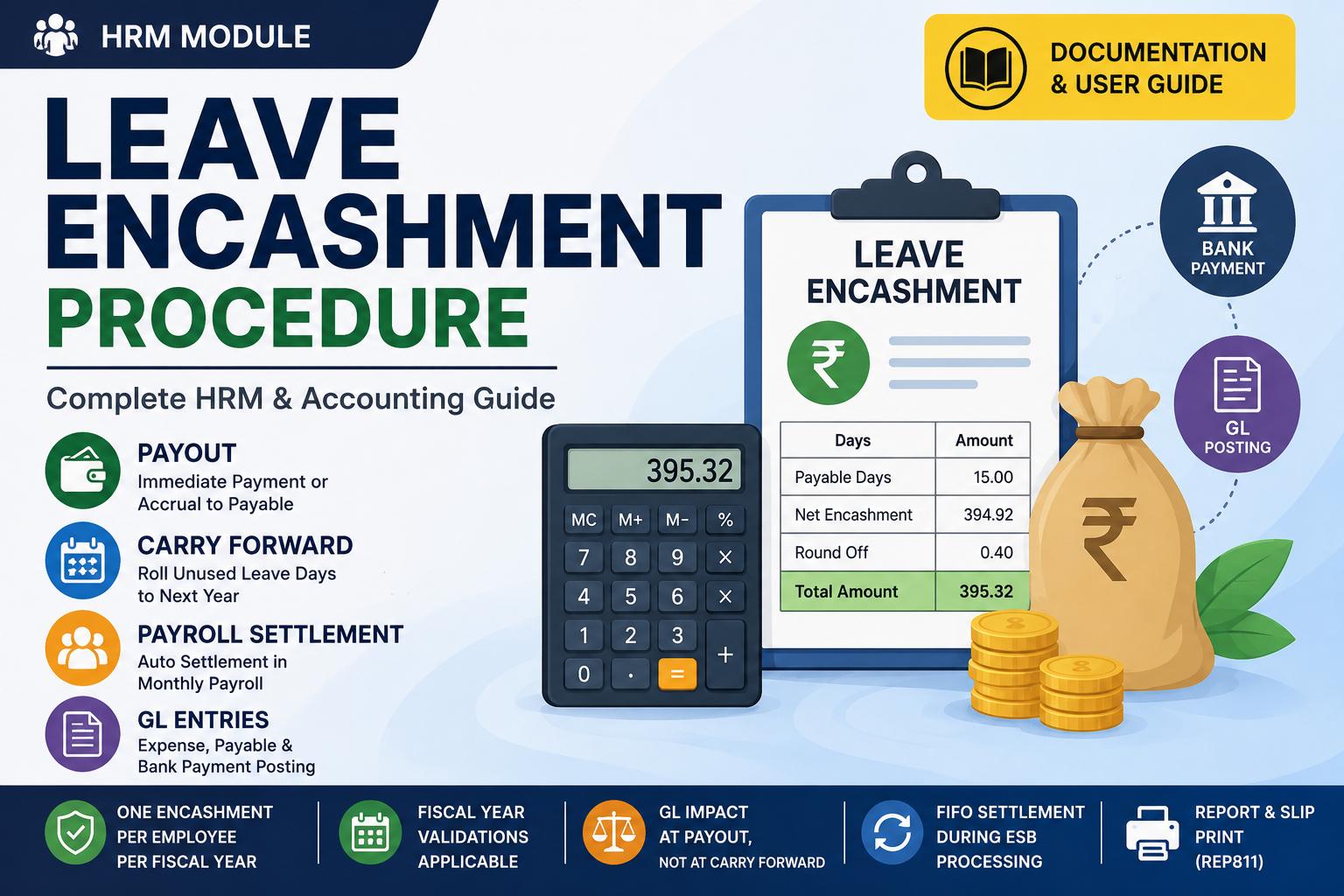
Leave Encashment — Payout or Carry Forward
Where to find it: HRM › Leave Encashment
Who can use it: HR and Payroll users
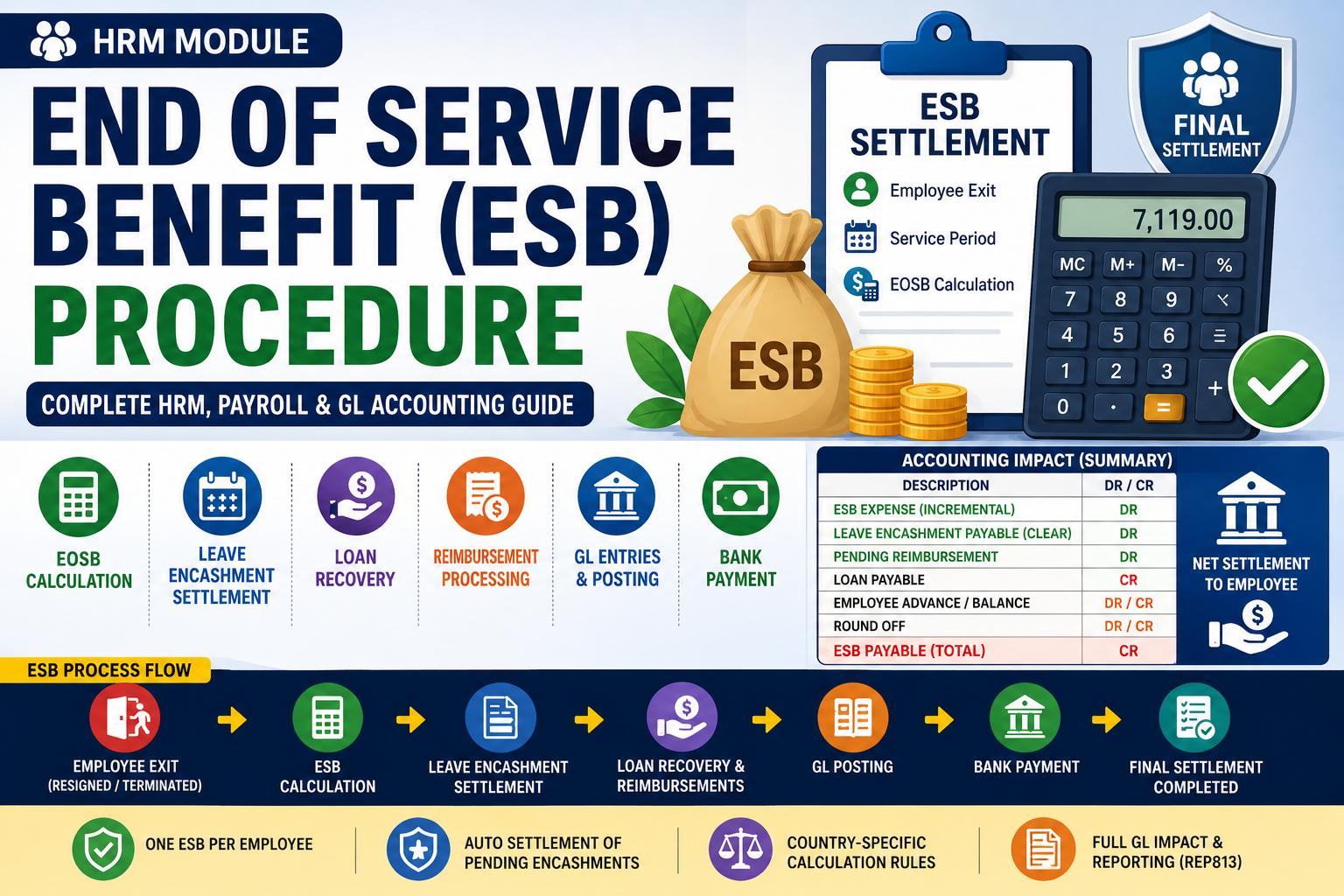
Related: End of Service Benefit
What it does
Leave Encashment turns an employee's unused leave days into money. For each employee, once per fiscal year, you choose one of two actions:
- Payout — convert the unused days to cash now. You can pay it immediately from a bank account, or simply record it as a payable that is paid inside the next payroll run.
- Carry Forward — move the unused days into next year. No money changes hands and nothing is posted to your accounts.
You can process one encashment per employee per fiscal year. After that, the form shows that the year is already processed.
Before you start (one-time setup)
Open HRM › Settings and configure the Leave Encashment block:
| Setting | What it controls |
|---|---|
| Enable Leave Encashment | Turns the feature on. |
| Leave Type for Encashment | Which leave type is encashable (for example, Annual Leave). |
| Calculation Basis | Daily (monthly salary ÷ 30), Basic (basic pay only), or Gross (all earnings). Defaults to Daily. |
| Leave Encashment Expense account | The expense account the cost is booked to. |
| Leave Encashment Payable account | The liability account that holds the amount owed until it is paid. |
| Max Carry Forward | The cap on how many days may be carried into next year. |
| Round Off account | Where rounding differences are posted (optional). |
The employee needs at least one processed payslip (so the system knows the salary to base the encashment on) and a balance in the chosen leave type.
Step-by-step
- Open HRM › Leave Encashment.
- Choose the Financial Year, Department, and Employee.
- Review the Details panel — the encashable leave type, the Payable Days, and the Max Carry Forward.
- In the Earnings panel, tick the pay components to include in the encashment base.
- The form shows the Calculation Basis, the Calculated Gross Salary, and the Net Encashment.
- For a payout you can then view the GL and print the encashment slip.
How the amount is calculated
Take Naledi, who earns 3,000 / month and has 6 unused annual-leave days.
Worked examples — how the ledger is made
Example 1 — Record now, pay in the next payroll (no bank chosen)
| Account | Debit | Credit |
|---|---|---|
| Leave Encashment Expense | 600.00 | |
| Leave Encashment Payable | 600.00 |
Step 1 — the encashment entry
| Account | Debit | Credit |
|---|---|---|
| Leave Encashment Expense | 600.00 | |
| Leave Encashment Payable | 600.00 |
Step 2 — bank payment
| Account | Debit | Credit |
|---|---|---|
| Leave Encashment Payable | 600.00 | |
| Bank | 600.00 |
Example 3 — Connected to salary: cleared inside payroll
| Account | Debit | Credit |
|---|---|---|
| Salary Expense | 2,400.00 | |
| Leave Encashment Payable | 600.00 | |
| Salary Payable | 3,000.00 |
Example 4 — Carry Forward (days only, no money, no ledger)
Carry Forward posts nothing to your accounts. It simply rolls unused leave days into next year, and the count is capped by the Max Carry Forward you set for that leave type.
Round-off
If the net comes to an awkward figure, the Round Off field tidies the total, and the difference posts to your round-off account (or to the expense account if you haven't set one).
What happens to an unpaid encashment
When you choose Payout but don't pick a bank, the encashment stays as an open payable.
Rules & gotchas
- One encashment per employee per fiscal year.
- You can't encash a date before the employee's joining date.
- You can't post into a year that's already been encashed.
Voiding
Voiding a leave encashment reverses its accounting and restores the leave allocation. It's blocked if the encashment has already been settled (in payroll or ESB) or if a later year has already been encashed.