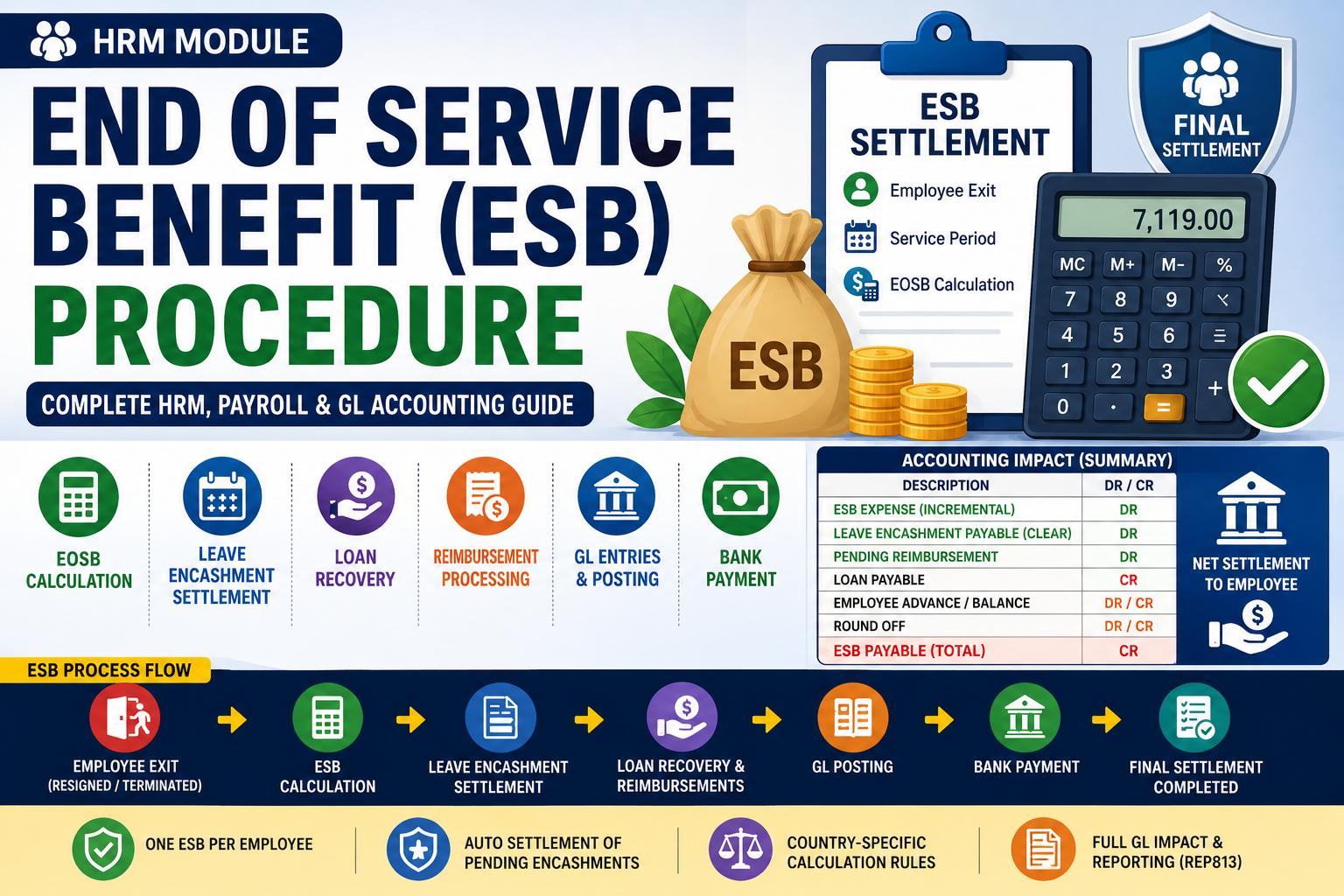
End of Service Benefit (ESB) — Final Settlement
Where to find it: HRM › End of Service Benefit
Who can use it: HR and Payroll users
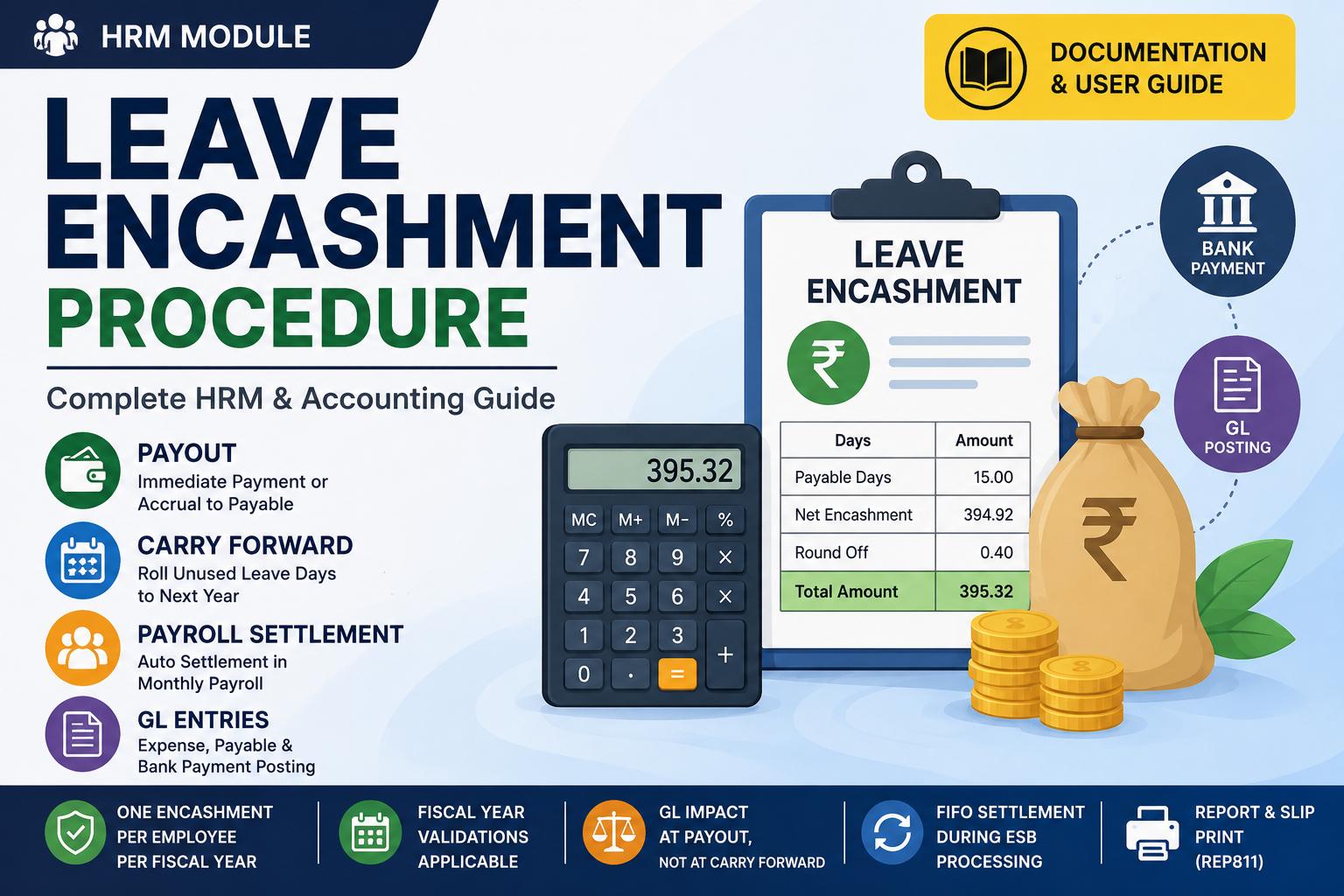
Related: Leave Encashment
What it does
The End of Service Benefit (also called end-of-service, gratuity, or severance) calculates and settles an employee's final benefit when they leave. In a single transaction it:
- works out the gratuity using the statutory rule for your country,
- adds any outstanding leave-encashment the employee was still owed, and clears that liability,
- recovers an outstanding loan and any employee advance, and
- raises the net ESB payable — which you can pay from a bank in the same step.
You can process one ESB per employee. Afterwards the form shows the processed summary instead of the calculation.
Before you start (one-time setup)
HRM › Settings
| Setting | What it controls |
|---|---|
| ESB Country | Picks the statutory formula (see How the gratuity is calculated). |
| ESB based on Basic vs Gross | Whether the calc uses the last paid Basic or the full Gross. |
| Country parameters | Per-country options (for example, qualifying years and severance weeks). |
| Leave Encashment Payable account | The liability cleared when outstanding encashment is rolled into the ESB. |
Admin › GL Setup
| Setting | What it controls |
|---|---|
| ESB / Encashment Round Off account | Where rounding differences post. |
| Salary Payable | Where an employee advance / balance settles. |
| Loan Payable | Where a recovered loan posts. |
Important — the employee record: a leaver (status other than Active) must have the termination / status-change date set. Without it, the service period would be zero, so the system blocks processing and asks you to update the employee first.
Step-by-step
- Open HRM › End of Service Benefit.
- Choose the Department and Employee.
- Review Employee Information — reference, name, status, credit balance, service period (years / months / days), last payslip date, actual termination date, and notice period. If the termination date is missing, a warning shows and the Process button is hidden.
- Review Calculations — last paid Basic/Gross, Calculated EOSB (the gratuity), loan balance, the outstanding leave-encashment rows (oldest first) and their total, any pending reimbursements, and the Payable EOSB after deductions.
- In Settlement — confirm the Payable ESB, set a Round Off, choose the GL Account the benefit is credited to, and optionally a Bank Account to pay it immediately. (If the employee instead owes the company more than the benefit, the form shows the advance balance and a Return Amount to collect.)
- Click Process ESB.
- Afterwards, view the GL and print the ESB statement.
How the gratuity is calculated
The gratuity uses two inputs: the employee's years of service (joining date → termination date) and their last paid salary (Basic or Gross, per your setting). Only employees marked Resigned, Terminated, or Deceased earn a gratuity under the Gulf and India rules.
Worked example (Botswana)
Tebogo resigns after 8 years on a 2,000 / month salary. Botswana severance is paid for each year completed beyond the qualifying period (default 5 years), at 1 week's pay per eligible year:
| Step | Calculation | Result |
|---|---|---|
| Eligible years | 8 − 5 + 1 | 4 |
| Weekly pay | 2,000 ÷ 4 | 500.00 |
| Gross severance | 4 × 500 × 1 week | 2,000.00 |
| Severance tax | first 36,000 is tax-free, so none applies | 0.00 |
| Net gratuity | 2,000.00 |
The rest of this article uses this 2,000.00 gratuity.
The rule for each country
| Country | How the system calculates the gratuity |
|---|---|
| Botswana | 1 week's pay (monthly ÷ 4) for each year beyond the qualifying period; only once service reaches the qualifying years.Applies regardless of whether the employee resigned or was terminated. Severance tax applies above the tax-free threshold. |
| Bahrain | Half a month's salary for each of the first 3 years, plus one month for each year after. *e.g. 8 years on 1,000 = (3 × ½ + 5 × 1) × 1,000 = 6,500.* |
| Saudi Arabia | Terminated: half a month for the first 5 years, one month thereafter. Resigned: reduced fractions by band (none under 2 years; ⅓ of the standard up to 5 years; ⅔ from 5–10 years; full from 10 years). |
| India | A multiple of the last monthly salary by service band — under 1 year ×2, under 5 years ×6, under 11 years ×12, under 20 years ×20; beyond 20 years, a day-based formula. |
How the payout balance is built
The settlement nets the gratuity together with what the employee was still owed and what they still owe. Continuing with Tebogo, who also has 600 of outstanding leave encashment (a Payout he was owed but never paid) and a 300 loan balance:
| Item | Amount |
|---|---|
| End-of-service benefit (gratuity) | 2,000.00 |
| Add: outstanding leave encashment | 600.00 |
| Less: outstanding loan | (300.00) |
| Less: employee advance owed to company | (0.00) |
| Net ESB payable | 2,300.00 |
So Payable ESB = gratuity + outstanding encashment − loan − employee advance. Any pending reimbursements are listed on the form for reference. The carried amount (the 600) is not part of the gratuity — it is money Tebogo had already earned, added on top and cleared in the same step.
Worked examples — how the ledger is made
Example 1 — The ESB settlement entry
Processing Tebogo's ESB raises one balanced journal:
| Account | Debit | Credit |
|---|---|---|
| ESB Expense *(the gratuity)* | 2,000.00 | |
| Leave Encashment Payable *(clears the outstanding encashment)* | 600.00 | |
| Loan account *(recovers the loan)* | 300.00 | |
| ESB Payable | 2,300.00 |
How to read it:
- ESB Expense 2,000 — the gratuity, the company's new cost for the benefit.
- Leave Encashment Payable 600 (Debit) — this clears the encashment Tebogo was already owed. It was charged to expense back when the encashment was first recorded, so it is not expensed again here — only the liability is cleared, and the cash is added to his payout.
- Loan account 300 (Credit) — the outstanding loan is recovered out of the benefit.
- ESB Payable 2,300 — the net the company now owes Tebogo. Debits (2,000 + 600 = 2,600) equal credits (300 + 2,300 = 2,600), so the entry balances.
Example 2 — Paying the ESB from a bank
If you pick a bank account during settlement, the payable is cleared straight away:
| Account | Debit | Credit |
|---|---|---|
| ESB Payable | 2,300.00 | |
| Bank | 2,300.00 |
After this, Tebogo has been paid his 2,300 and nothing is left owing.
Example 3 — Connected to leave encashment
This is the link back to leave encashment. When Tebogo did a Payout earlier without a bank, the 600 stayed as an open Leave Encashment Payable. He never ran a second encashment for it — instead it is settled here, inside the ESB, by the Leave Encashment Payable 600 (Debit) line in Example 1. The ESB lists every such open encashment under Total Outstanding Leave Encashment (oldest first) and adds it to the payout.
Note: this settles outstanding encashment amounts (money already earned). Leave that was only carried forward as days is not turned into cash by the ESB — encash those days as a Payout first if you want them paid.
Example 4 — Recovering an employee advance
If the employee owes the company an advance, it is recovered out of the benefit. Suppose Tebogo's gratuity is 2,000, with no outstanding encashment, but he owes a 500 advance:
| Account | Debit | Credit |
|---|---|---|
| ESB Expense *(the gratuity)* | 2,000.00 | |
| Employee Advance *(salary payable, recovered)* | 500.00 | |
| ESB Payable | 1,500.00 |
His net payout falls to 1,500. If the advance were larger than the benefit, the net would be negative — the form then shows the advance balance and a Return Amount you collect from the employee and deposit to a bank.
Rules & gotchas
- One ESB per employee — re-opening shows the processed summary.
- A non-active employee must have a termination / status-change date.
- Outstanding leave-encashment payables are settled automatically inside the ESB — you don't run a separate encashment for them.
- The ESB charges the gratuity to expense. An outstanding encashment is cleared from its liability (it was expensed earlier), so the benefit isn't double-counted.
- Consider using a dedicated ESB Payable account for the GL Account field, so the payable isn't shared with your salary or expense accounts.
Voiding
Voiding an ESB reverses its accounting and any bank payment made with it, and un-settles an outstanding encashment if this ESB had settled one — putting that liability back as open.