
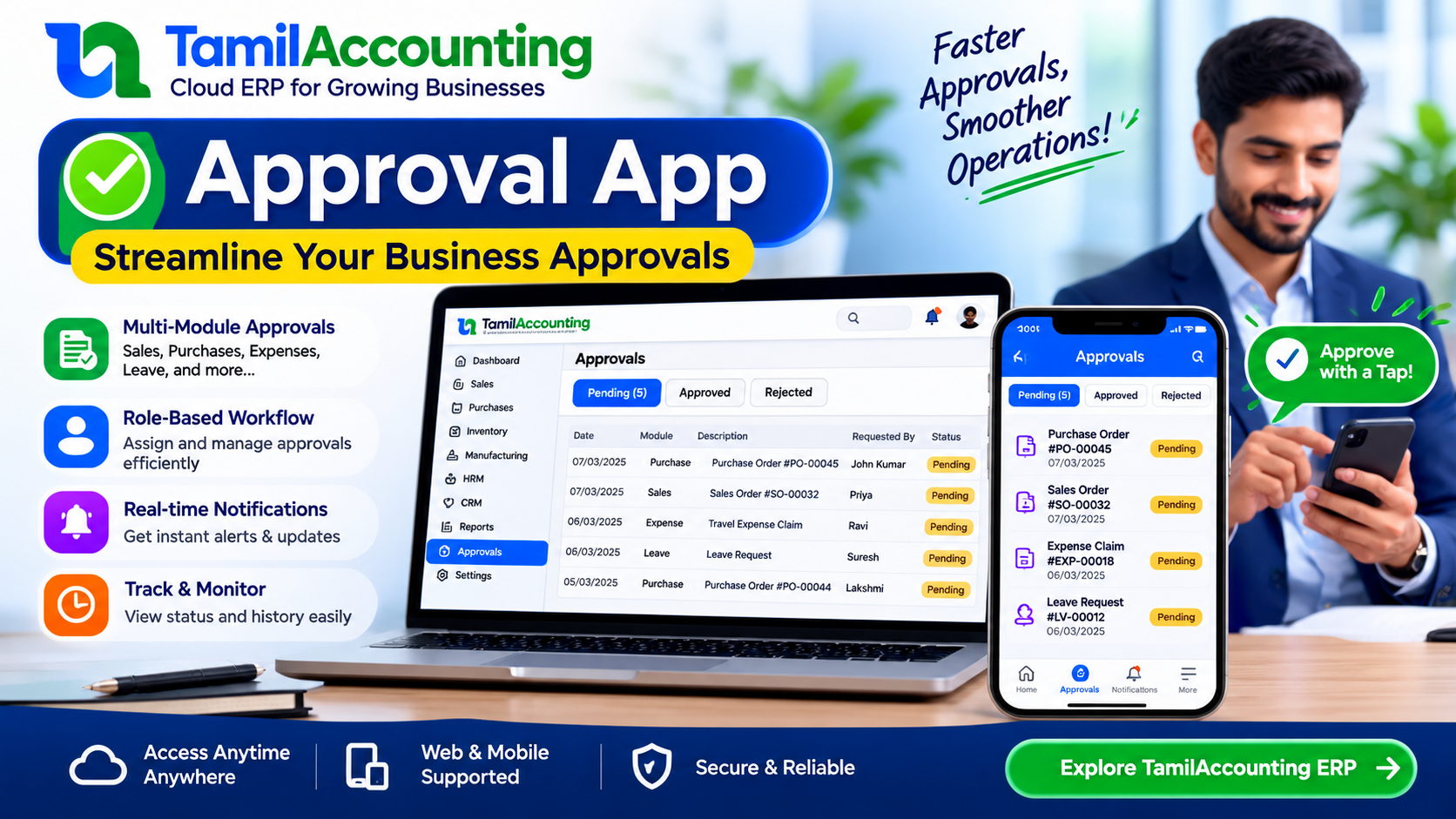
There is a question that gets harder as a business grows: who approved this?
A purchase order went out. Somebody agreed to it. A year later nobody can say who, or on what terms, because the agreement happened in a corridor or a phone call. The paperwork records what was bought; it records nothing about the decision to buy it.
TamilAccounting's Approval app puts that decision inside the document.
A document that waits
Certain papers are too consequential to be raised and acted on in one motion. With the app installed, those documents are saved as normal and then held: marked as waiting for approval, and unable to move until the right people have each said yes.
You choose which ones. Sales orders, sales invoices, deliveries, purchase orders, work orders, project invoices and expense claims can each be governed or left alone. Most businesses begin with purchase orders and add more later.
Levels are roles, not people
This is the design decision the whole app rests on, and it is the one most approval systems get wrong.
A level is not a named person. It is a designation — Purchase Manager, Finance Head — the same designation your HR records already use. A user inherits approval authority from the chair they sit in, not from their name being typed into a settings screen.
It matters because people leave. When approval is pinned to an individual, their last day silently breaks every chain they were part of, and somebody finds out at the worst possible moment. Tie it to the designation and the next person inherits the responsibility on the day they take the job — no settings to revisit, no chain quietly broken.
Seeing is not deciding
The app ships two separate permissions: one to view the approval queue, another to approve or reject. A clerk can see what is pending without ever being able to wave it through. They are granted independently.
How a purchase order actually moves
| Who | What happens | State of the document |
|---|---|---|
| Buyer | Raises the order exactly as always | Saved, but waiting for approval |
| Level 1 — Purchase Manager | Finds it in their own queue, opens the full document, approves with a note | Approved at level 1, now waiting at level 2 |
| Level 2 — Finance Head | Notified automatically, sees level 1's decision and note, gives final approval | Released — an ordinary PO again |
At no point does anyone chase anyone. When a level is satisfied, everybody in the next designation is notified; the document goes looking for its next approver rather than waiting to be noticed.
When the answer is no
A rejection requires a memo. “No” without a reason is just an obstacle, and the person who raised the document sees both — the rejection and the reasoning — on their own screen. They fix what was wrong and send it round again. Nothing disappears into silence.
Up to five levels
Two levels suit most businesses. The app allows five, so a large commitment can climb from department to division to board with every step recorded, while a routine one needs a single nod.
Expenses too
The same machinery governs staff expense claims. An employee submits, it waits on their manager, and the outcome — approved or rejected, with the reason — reaches them on their phone through the customer and employee portal.
The point of it
None of this exists to slow work down. It exists so that a year later, a business can say with a straight face that every commitment it made was agreed by the people who were supposed to agree to it — and open the document to prove it.