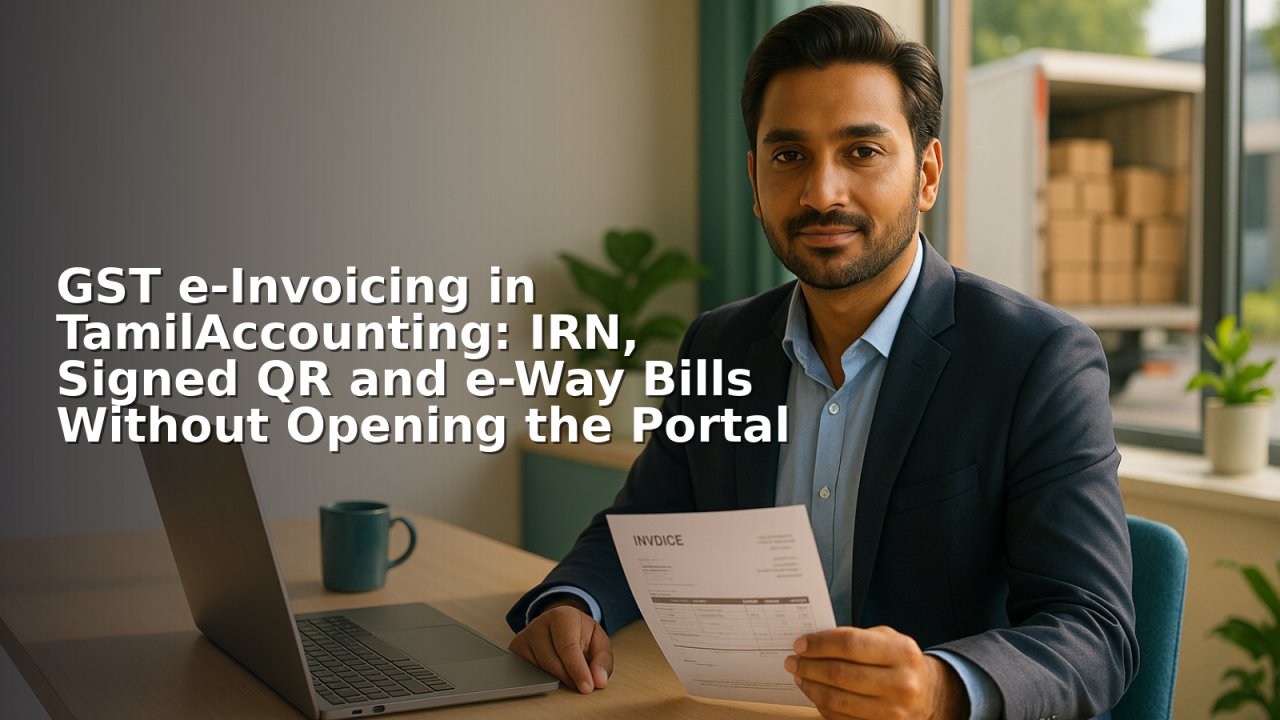
If your business is above the e-invoicing threshold, you already know the part of the day that makes no sense: you raise the invoice in your accounting system, and then you type it again on the government portal to get an IRN. Two systems, two chances to mistype a GSTIN, and a signed QR code that has to find its way back onto the printed invoice.
TamilAccounting now does that second step for you. The invoice you raise is the invoice that goes to the Invoice Registration Portal, and the IRN and signed QR come straight back onto it.
What an e-invoice actually is
An e-invoice is not a PDF. When your invoice is registered, the portal returns three things that must live with the document forever:
- The IRN — a 64-character reference that uniquely identifies the invoice to the government.
- The acknowledgement — a number and timestamp proving when it was registered.
- The signed QR code — which legally must be printed on the invoice you hand over.
All three are stored against the transaction in your books, and the QR is placed on the invoice print automatically. Nobody has to paste an image anywhere.
Generating: one action, from the invoice you already made
From the e-invoice register you pick an invoice and generate. Behind the scenes the ERP builds the invoice in the government's schema, works out whether the supply is intra-state or inter-state from the place of supply, splits the tax into CGST and SGST or into IGST accordingly, and sends it through a licensed service provider to the portal.
If the portal is unhappy — a missing HSN code, a buyer GSTIN that does not exist, a total that does not reconcile — you get the actual reason back, on the invoice, not a generic failure.
A worked example
You invoice a Karnataka customer ₹1,00,000 plus 18% GST. Your own state is Karnataka, so the supply is intra-state: the invoice goes up as ₹9,000 CGST and ₹9,000 SGST, total ₹1,18,000. Had the same customer been in Tamil Nadu, it would go up as ₹18,000 IGST instead. You never pick which — the place of supply decides, and the ERP follows it.
A month of invoices in one pass
If invoices have piled up, generating them one at a time is not sensible. Tick a batch and generate together. Each result is reported individually, so a rejection in the middle does not stop the rest, and you are left with a clear list of what still needs fixing.
The e-Way Bill comes from the same invoice
When goods actually move, the e-way bill is raised from the invoice that already has an IRN, so nothing is keyed twice. Vehicle number, transporter and distance travel with it. The ERP then keeps an eye on validity — you can see at a glance which bills expire in the next twenty-four hours while the vehicle is still on the road, which is exactly when it matters.
The purchase side, which most people forget
Your input tax credit depends on your suppliers doing their job. You can record the IRN printed on a supplier's invoice and validate it against the portal there and then. If a supplier never actually registered that invoice, you find out when you receive it — not months later when the credit is disallowed.
Matching GSTR-2B before you file
Download the 2B file from the GST portal, upload it, and the ERP lines it up against your purchase entries in three buckets: matched, present in 2B but not in your books, and booked by you but absent from 2B. That third bucket is the one that costs money, and it is usually the one nobody looks at until filing week.
The exceptions screen does the worrying
Rather than trusting everyone to remember, the ERP keeps a running list of what is wrong: invoices with no IRN, generations that failed, invoices cancelled at the portal but still live in your books, and e-way bills past their validity. It is the screen to open on a Monday morning.
Registered invoices stop being editable
This one is quiet but important. Once an invoice carries a live IRN, the Edit link and the Void button disappear — everywhere in the system, not just on one screen. A document the government has registered cannot be quietly altered afterwards. Cancel it at the portal first, and the ERP unlocks it.
Every exchange is on file
Each call to the portal is logged with its request, its response, any error, the user who triggered it and the time. When a question comes twelve months later, the answer already exists.
Getting started
E-invoicing is off until you switch it on, and it is set per company, so a group with several entities configures each one separately. Enter your credentials, run against the sandbox until you are satisfied, then move to live. Your GSTIN, legal name and address are taken from your existing company setup rather than typed again.